
Playing with mDrawBot, a drawing robot — and writing on the window
Switch Science have started selling the mDrawBot.
I got one immediately and have been playing it to death.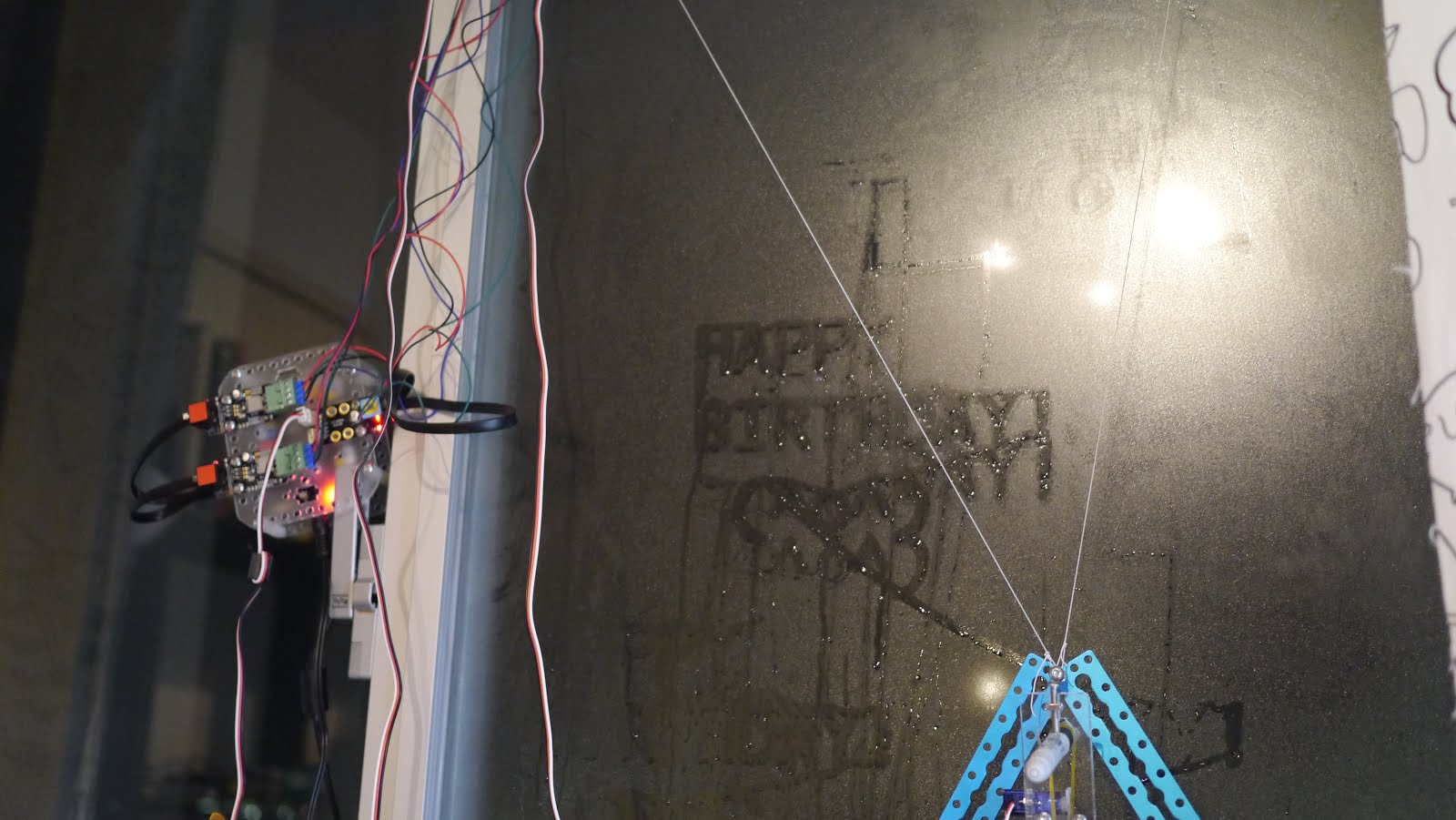
What is an mDrawBot?
It is a drawing robot kit from MakeBlock, a Chinese open-source project.
You can build four different robots out of it, from one that draws a picture from your computer onto a desk to one that draws on an egg.
The one I played with is the mSpider, which hangs on a whiteboard and draws with a marker. In Japan you can buy a Japanese-translated kit from Switch Science.
Building it
There are quite a lot of parts.
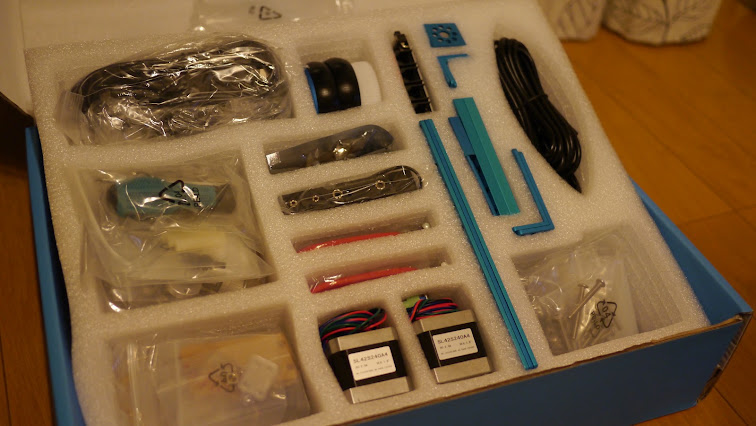
Assembly takes a few hours, but the acrylic and metal parts are lovely, so it is an enjoyable build.
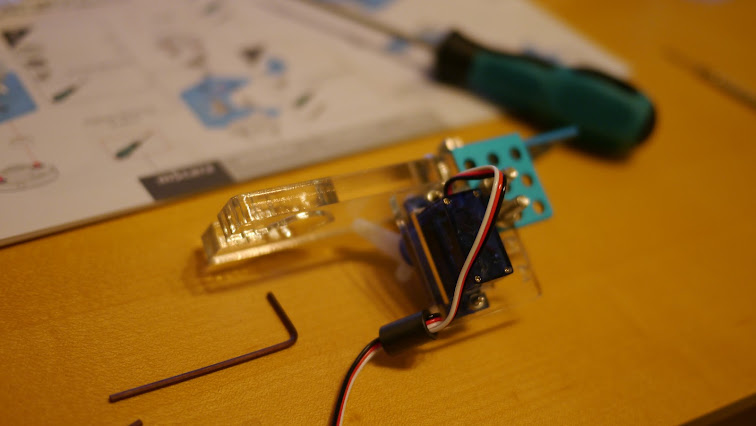
Done. My whiteboard is small, hence the rather slapdash mounting; on a big office whiteboard it would sit neatly.
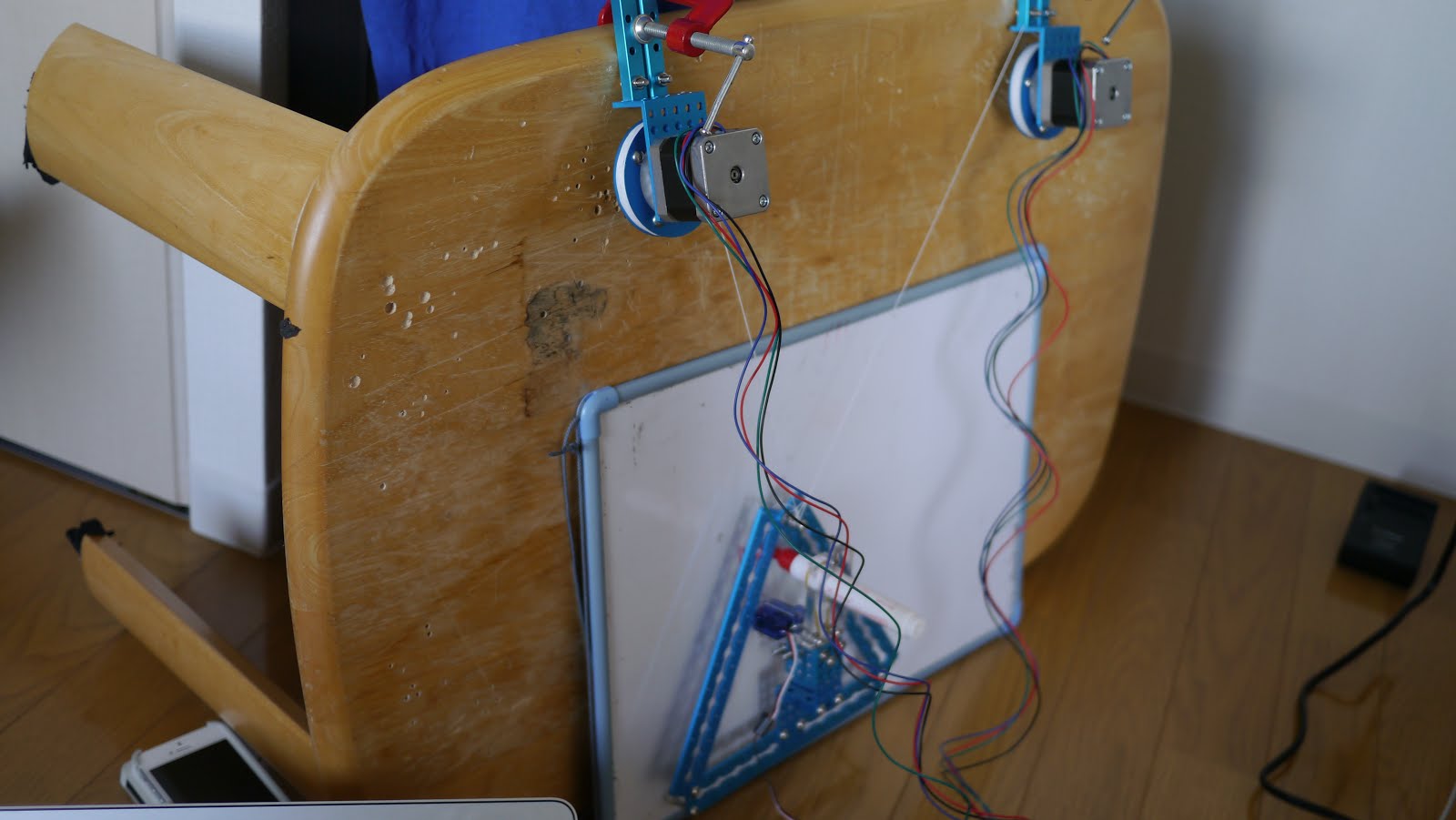
Two stepper motors adjust the length of two strings, moving a triangular plotter across the plane to draw. Raising and lowering the pen (drawing or not) is handled by a servo fixed to the plotter.
Getting it moving
I'll add notes at the bottom, but driving it from OS X needs a good deal of fiddly setup.
Once that is done, load a sample file in the standard mDraw.app tool,
and draw.
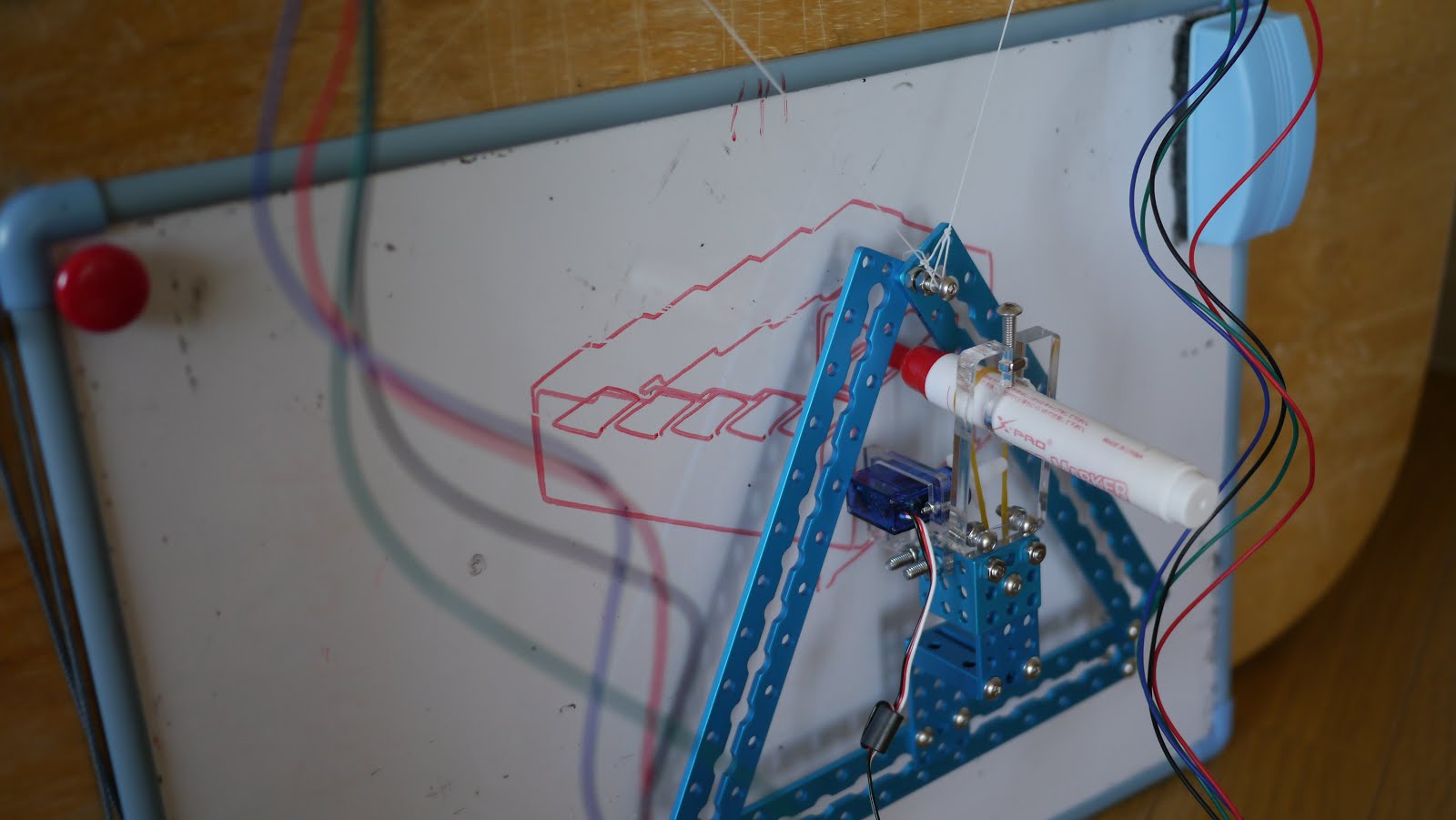
For something suspended on two strings, the plotter is controlled remarkably steadily. Impressive.
The main failure mode: if the strings get close to vertical or close to horizontal, the load on the steppers rises and they lose steps. That shifts the origin, and everything drawn afterwards is offset.
Set the motors and the drawing area up so the strings stay near 45° wherever the plotter goes.
Driving it from a program
The standard mDraw.app only loads an SVG and draws it.
Not enough freedom, so let us drive it from a Java program instead.
The mDrawBot's innards are in fact Arduino-compatible and controlled over serial.
Being open source, the sketch is published as well.
Having read the source and worked out the serial protocol, I wrote jDrawBot, a library for driving it from Java. Help yourself.
With the mSpider connected over USB, you can drive it like this:
Spider spider=new Spider();
spider.moveTo(new Location(-30,100));
spider.drawTo(new Location(30,70));
spider.moveTo(new Location(30,100));
spider.drawTo(new Location(-30,70));
→ draws an "×".
The drawing operations (moveTo, drawTo) are managed internally by a job queue, so commands can be sent asynchronously.
To wait for a drawing to finish:
Blocker blocker=spider.drawTo(new Location(-30,70));
blocker.block();
Once you can drive it from a program, everything is possible. Let's play.
Drawing from a GUI
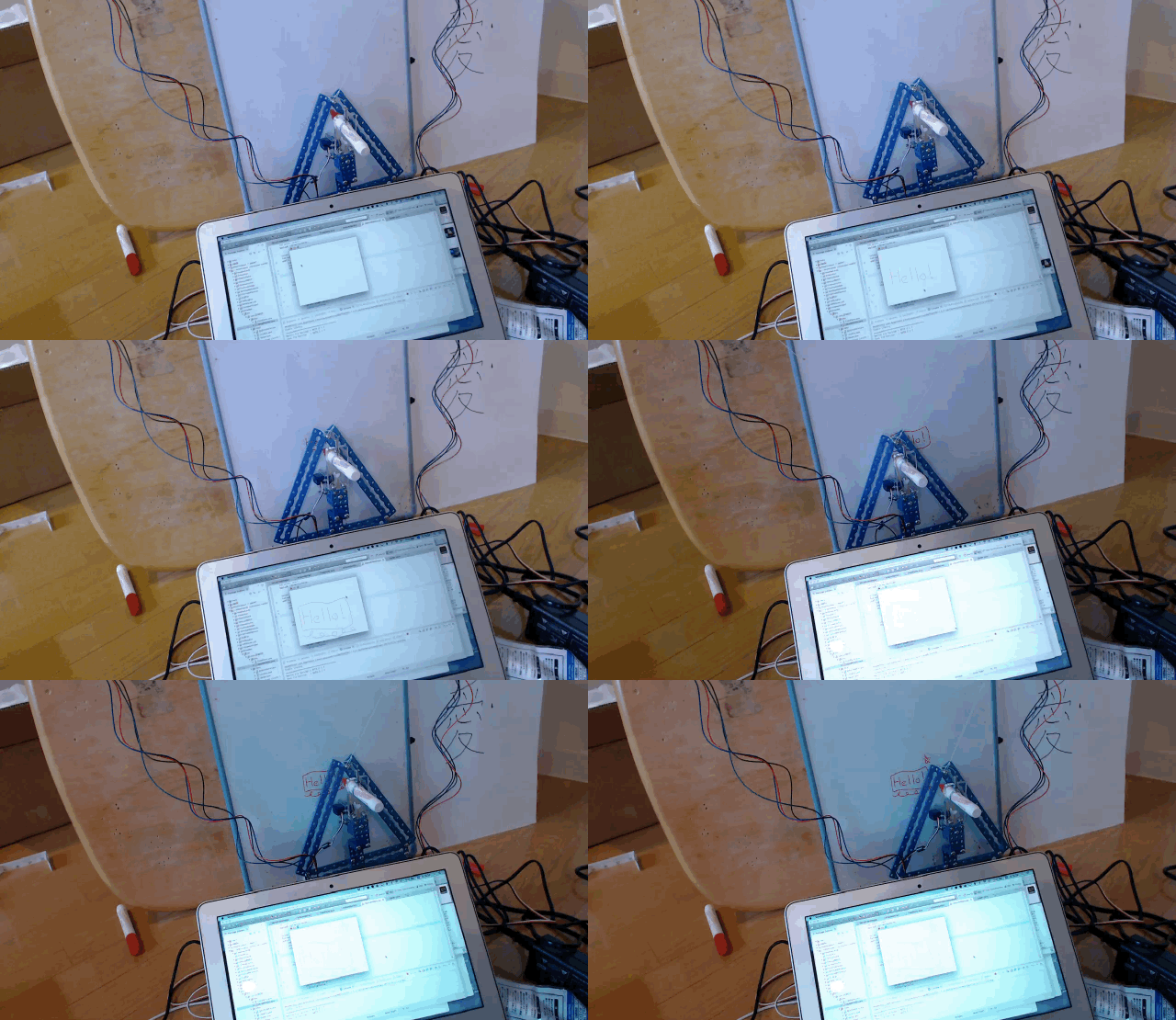
I wrote a program that draws on the whiteboard whatever you draw on screen.
It is hard to see in an animated GIF, but the "Hello" drawn on screen is written straight onto the whiteboard. Very much a "just write it yourself" situation, but fun.
You could build a new kind of meeting-support system out of this — restoring the state of the last meeting's whiteboard before the next one starts, say.
Plotting functions
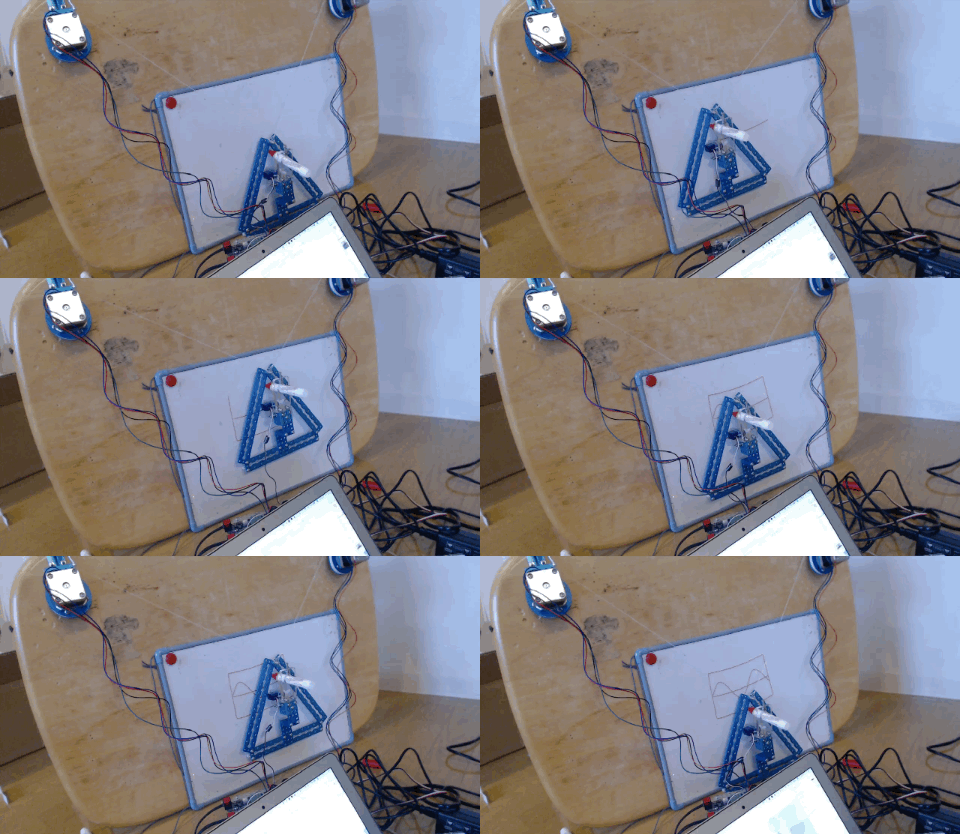
No particular purpose, but it can plot graphs too.
Drawing photographs
With the basics out of the way, let's do something only possible because it is under program control.
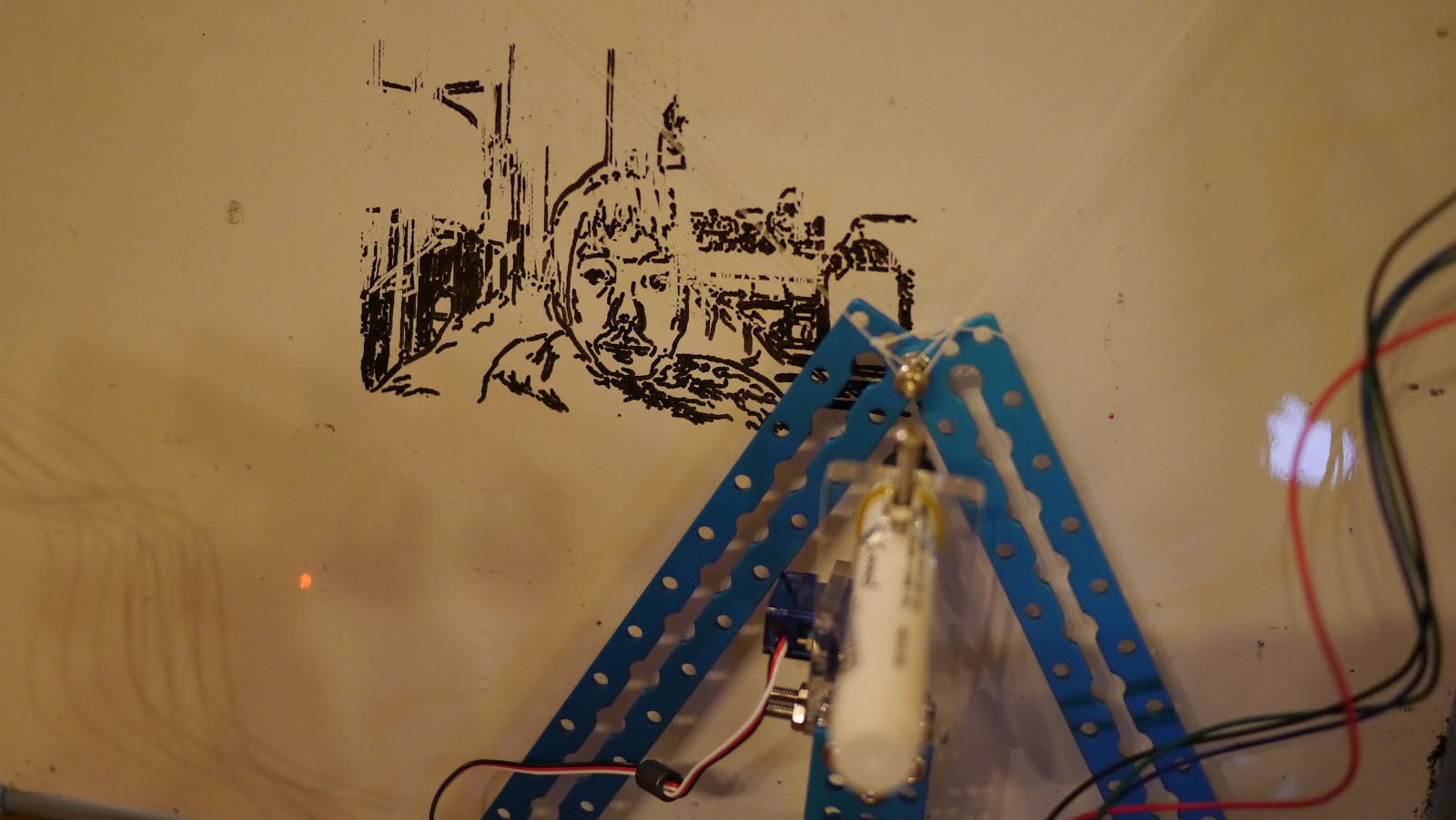
The video above is a demo that takes a photograph on the computer's camera, extracts the lines with OpenCV, and draws the result on the whiteboard.
A photorealistic image appearing on a surface that normally only ever holds hand-drawn quality is a strange experience.
"Copy and paste" a whiteboard
I wrote a program that extracts line segments from a photograph of a whiteboard, turns them into mDrawBot commands, and draws them on a different whiteboard.
Install one in a meeting room and it could restore the previous meeting's whiteboard before the next one begins. Rather useful.
TOIKI: using a fogged window as a display
Now to the real point. I made this:
A sponge on the end of the pen, writing on a window fogged with condensation.
Everybody remembers drawing on the window with a finger on a cold winter morning as a child.
I thought it would be lovely to wake up to the weather, or a birthday message, written on the window — so I built it.
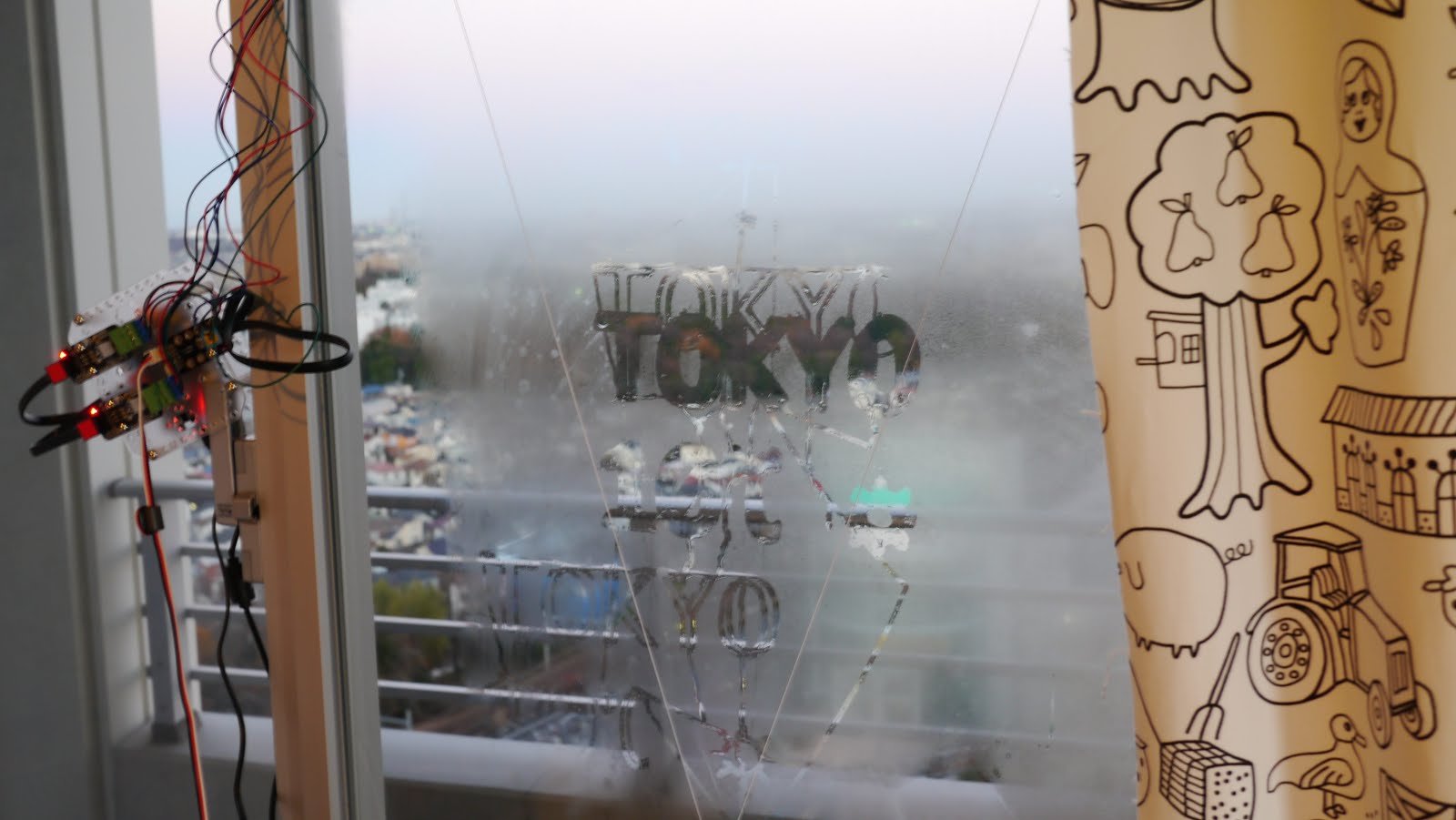
What it writes disappears by itself after about five minutes. I rather like how fleeting that makes the display. It would suit a hotel.
Finally
I was surprised that something this simple — two strings and two stepper motors — makes a robot this accurate and this open to play.
I have only played with the string-suspended mSpider, but the other robots all look worth hacking on too.
I said the same thing when I built RomoCart: a programmer on their own can only manipulate the world inside a display. Which is exactly why kits that let a programmer control the real world easily are such a great thing.
Let the mDrawBot be your excuse to take a step into hardware.