Saizeriya's spot-the-difference was too hard, so I solved it with adult power
Whenever I go to Saizeriya the first thing I do is the spot-the-difference on the children's menu,
but this time it was too hard, so I decided to solve it with adult power (= image processing).
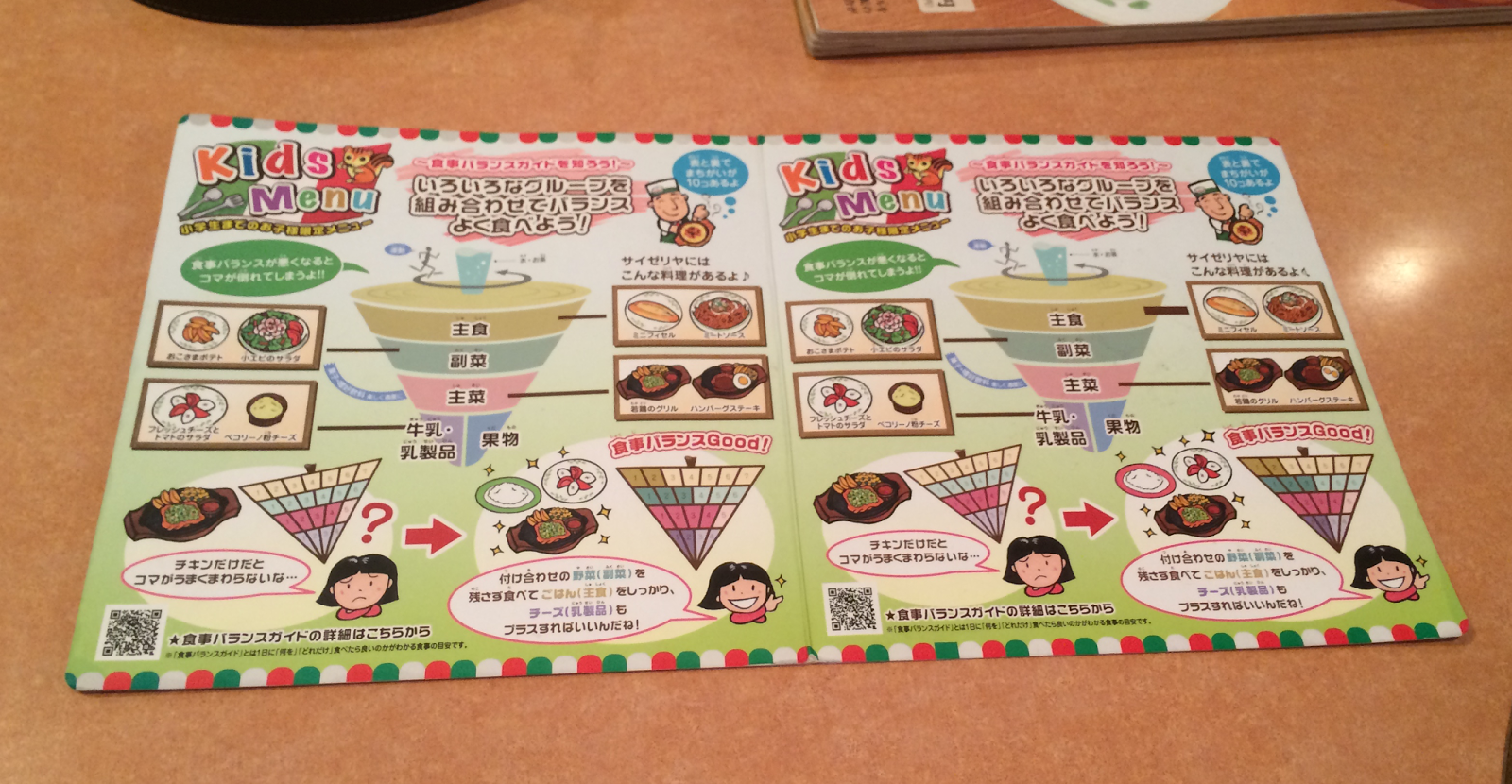
The September 2014 edition. Have a go yourself!
(Answers follow. If you would rather not see them, go and fight with the image above first.)
Method
There is a lot written below, but all it does is find where the left and right halves differ by colour.
The slightly convoluted parts are there to absorb the warping of the paper.
(1) Photograph the puzzle The picture above. Taken on an iPhone, nothing special.
(2) Extract the page region You need to find the page within the photograph.
This time I could not be bothered, so I specified the left-hand side by hand. Tag the corners manually…
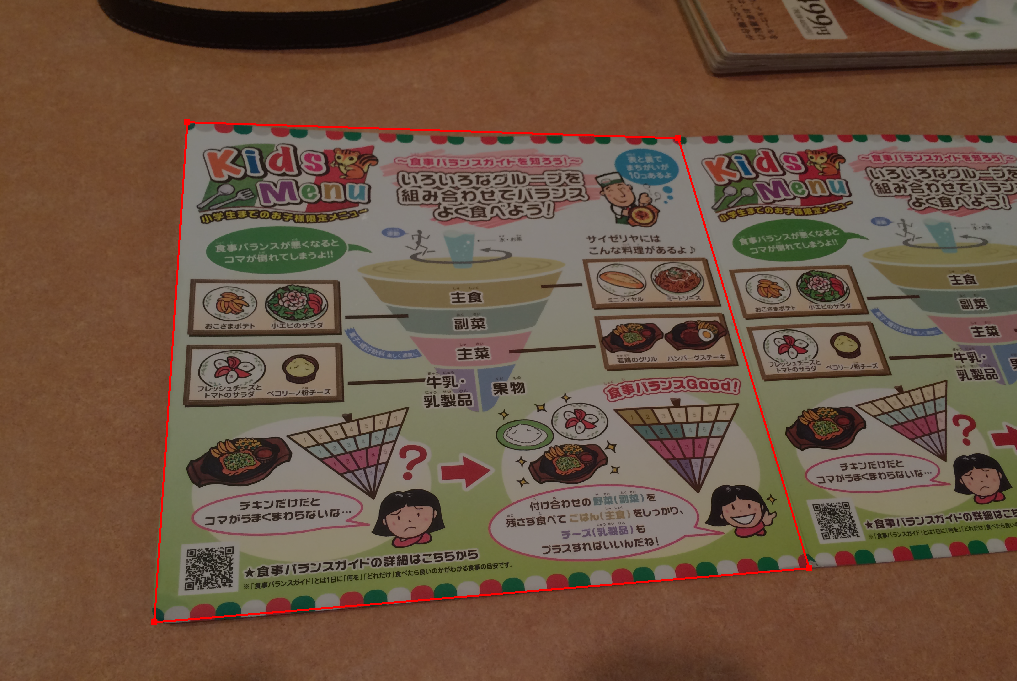
This side, by hand.
then correct the keystoning with a projective transform. In OpenCV that is WarpPerspective.
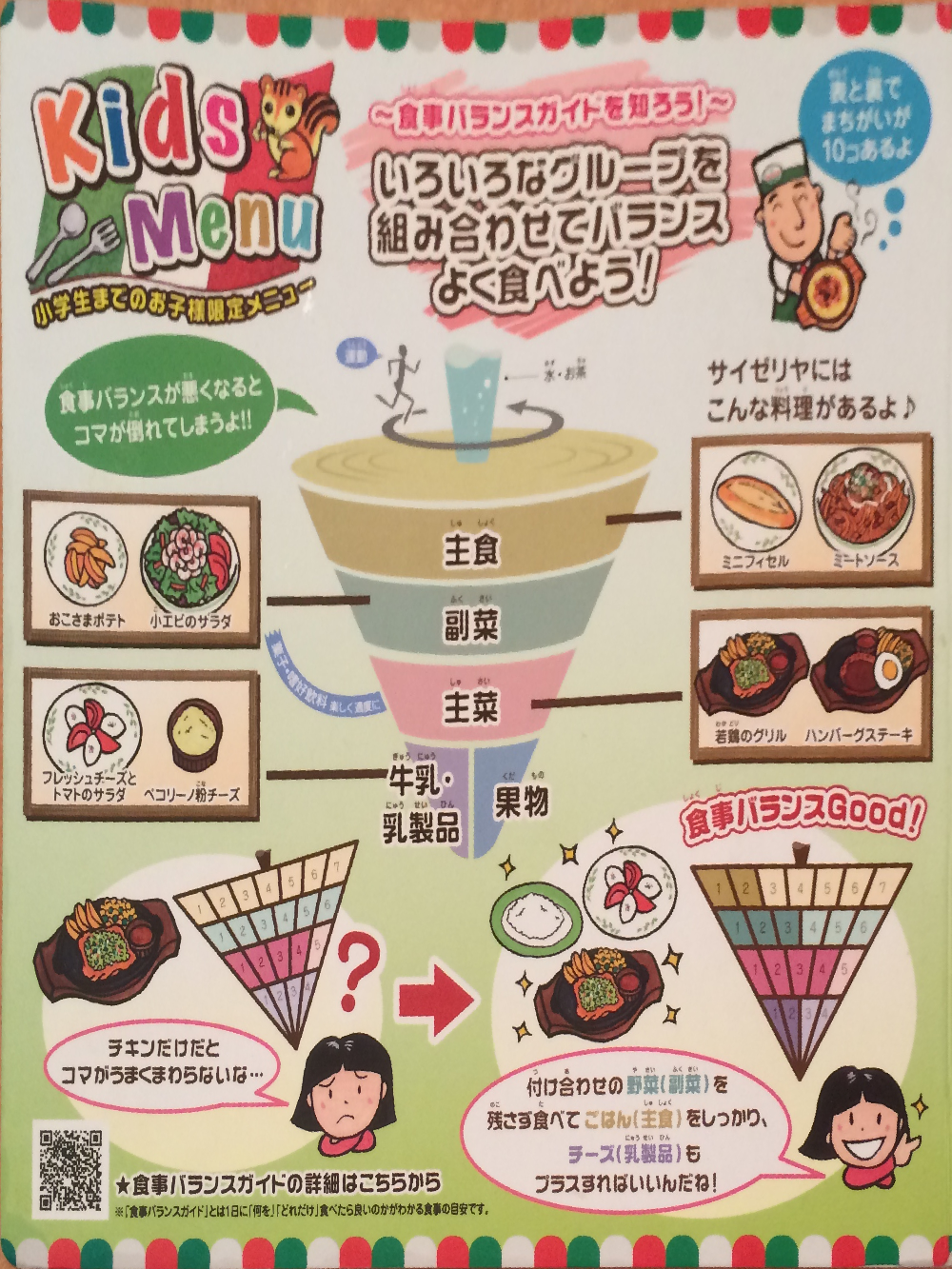
Even after correction it is still slightly warped, because the paper itself was bent.
Next, using the left-hand image as a template, find the page on the right-hand side by object recognition with SURF and matching. (Reference: whoopsidaisies's diary: feature extraction and matching with OpenCV)
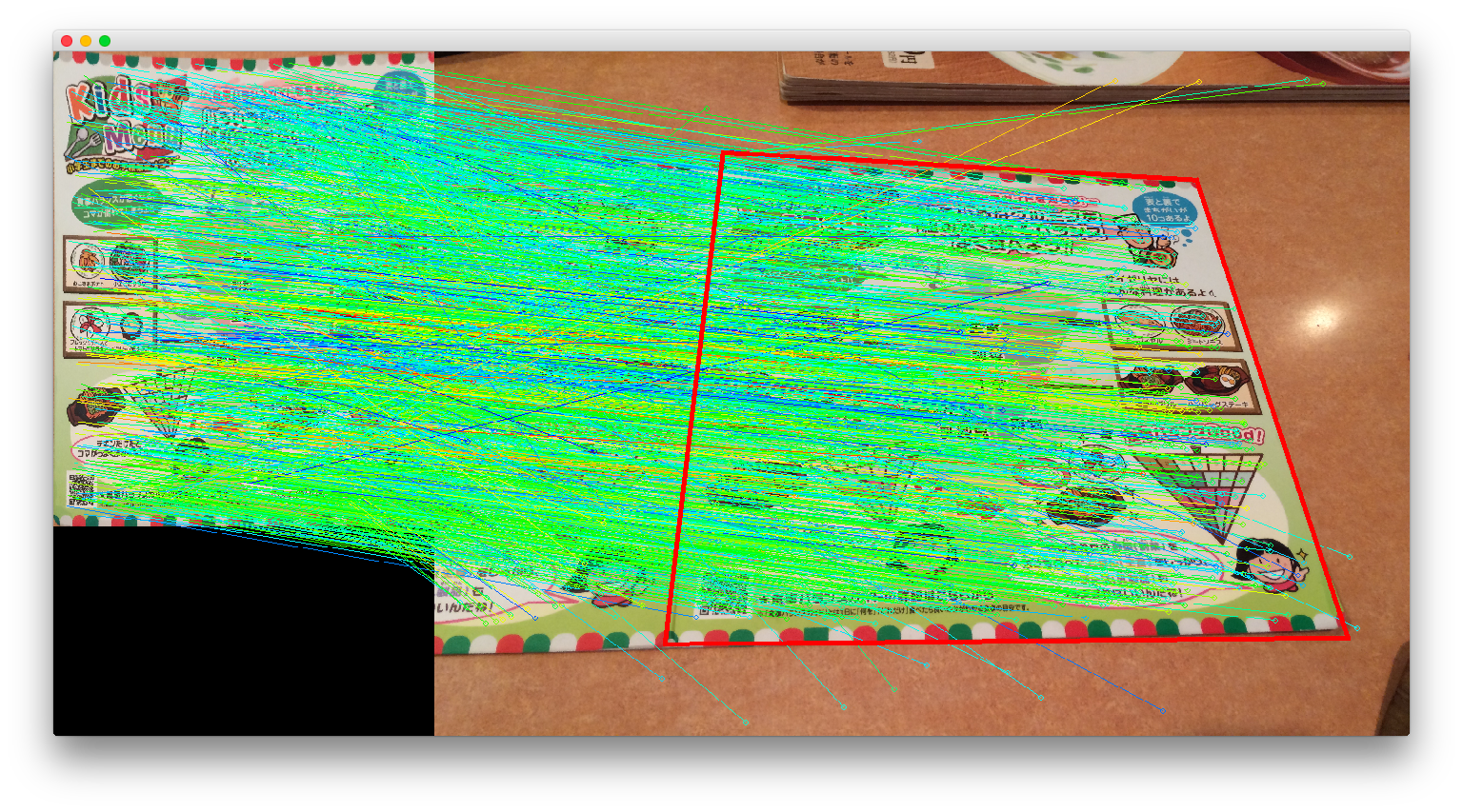
The right-hand side is found automatically
Which gives us both halves. Both are still distorted, but since the paper itself is bent, a projective transform can do no better.
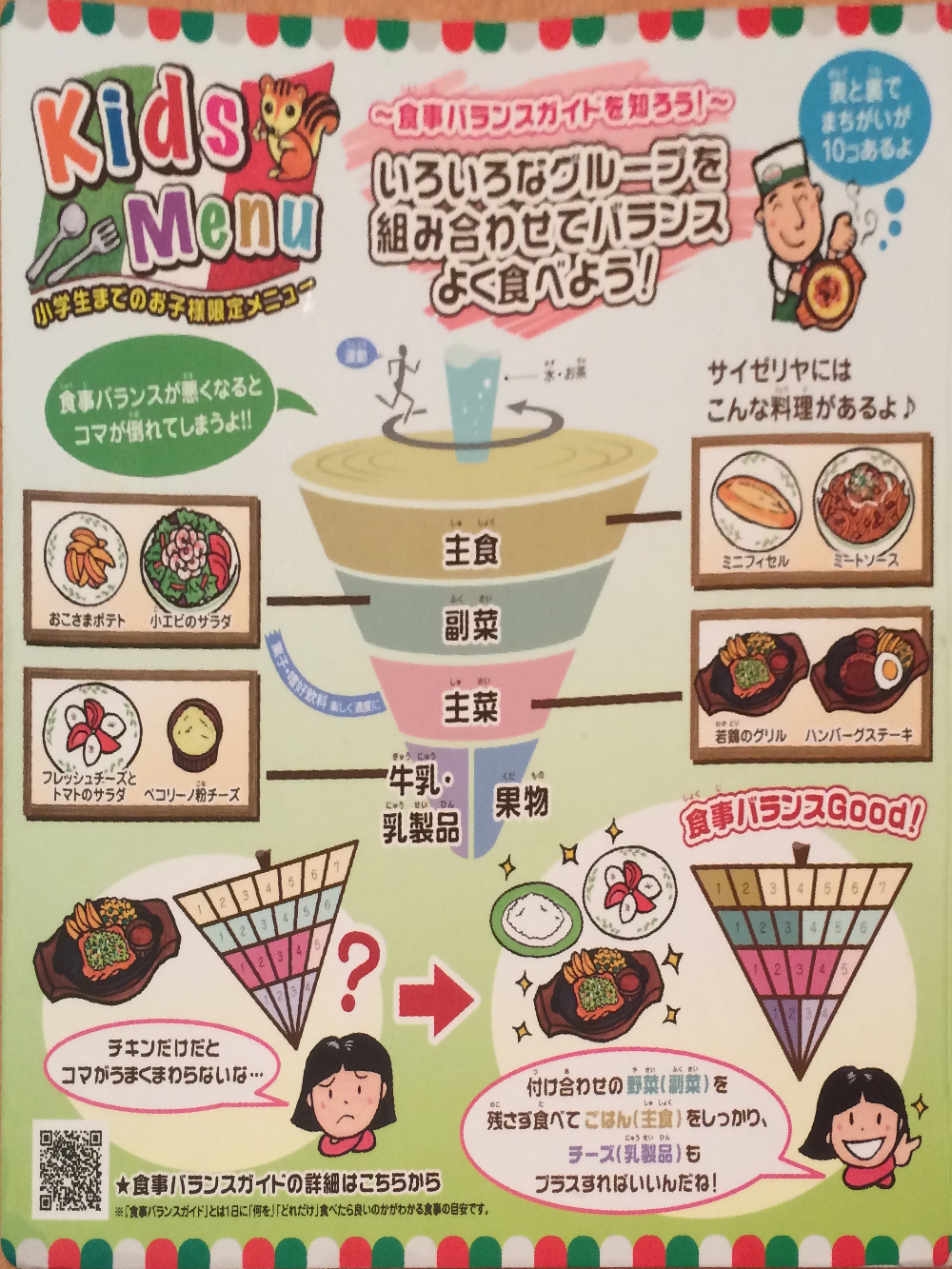
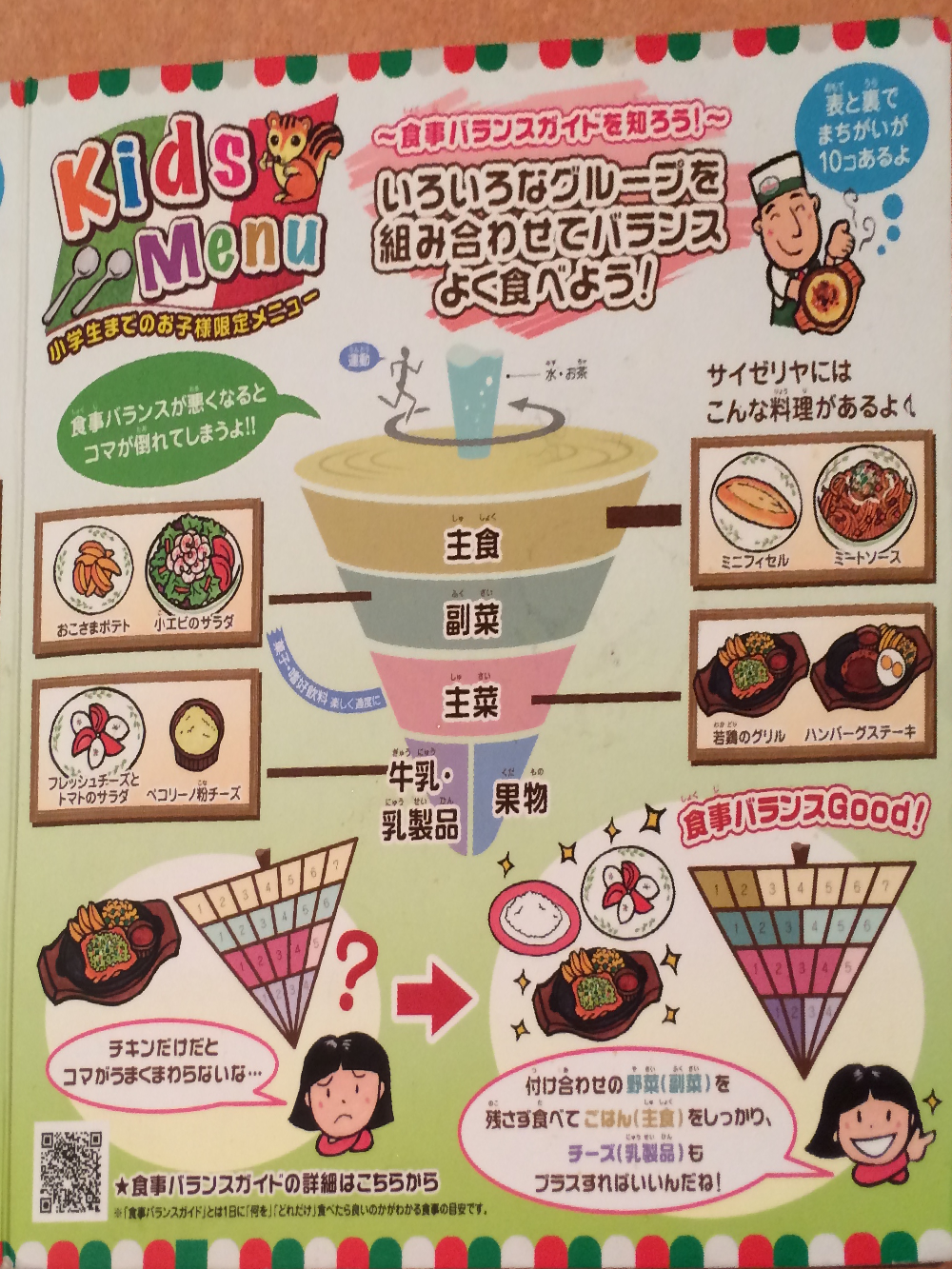
Left half and right half
(3) Compute local differences We have both halves roughly aligned, but the distortion means you cannot compare them directly. Simply comparing the colour distance between the left and right pixel at each position (AbsDiff) gets you this:
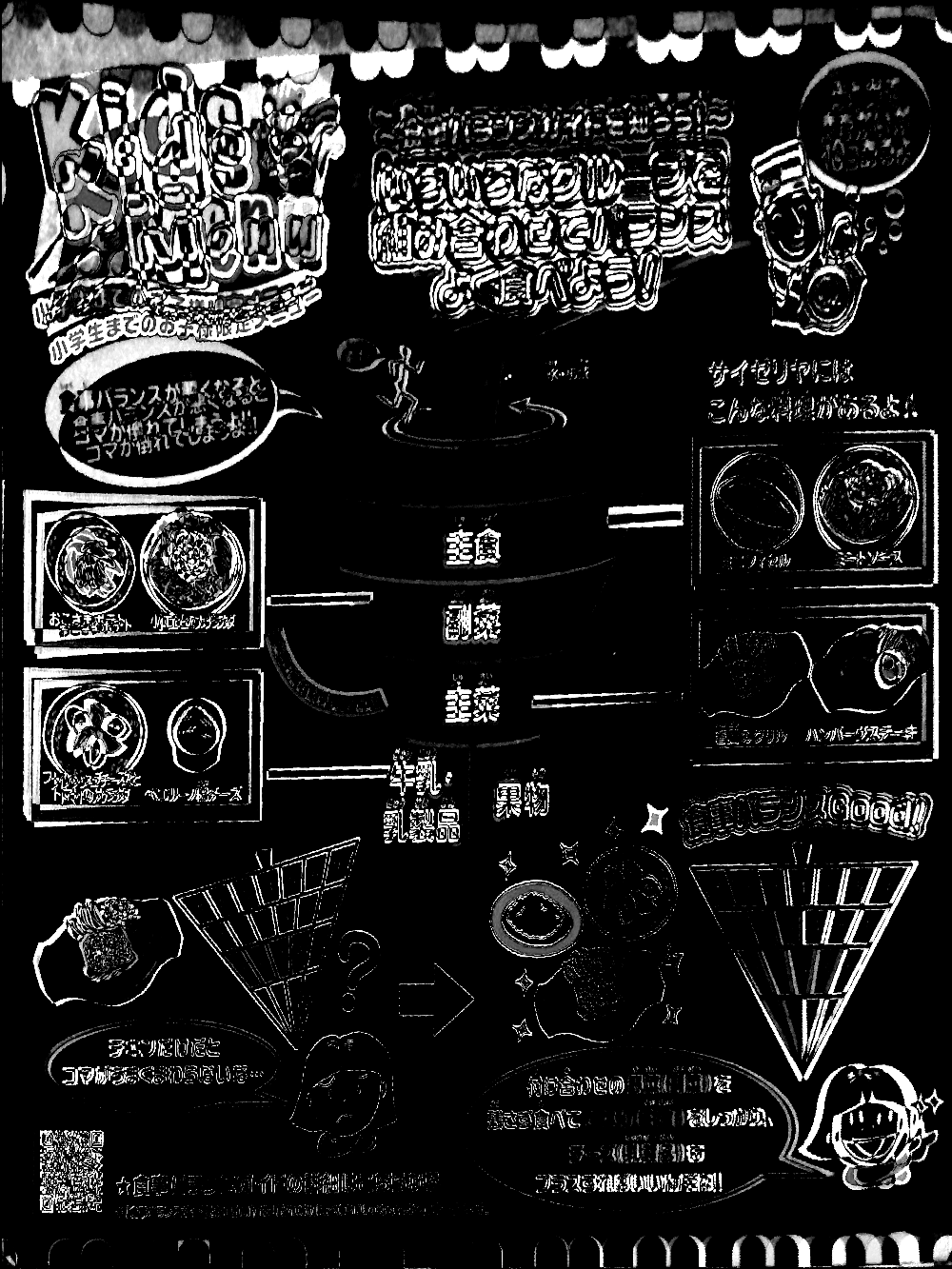
Colour distance between the pixels at the same position on each half. No way to find the differences here.
So instead: take a small region from the left half,
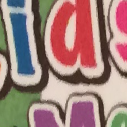
A small 100×100 region.
find the same region on the right half by object recognition again,
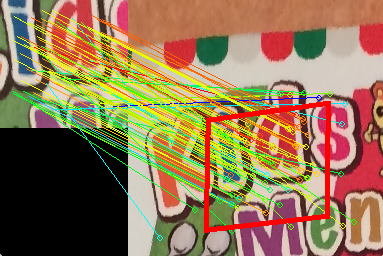
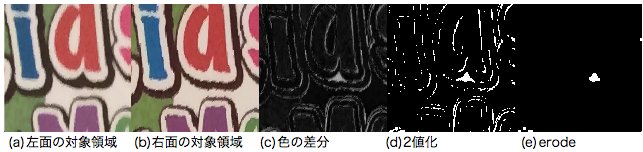
and compare the two versions of that region, extracting the difference (absDiff → threshold → erode → dilate). The outlines of the text inevitably produce difference noise, but erode removes most of it.
Slide that local region across the page a little at a time and you build up a difference image for the whole thing:
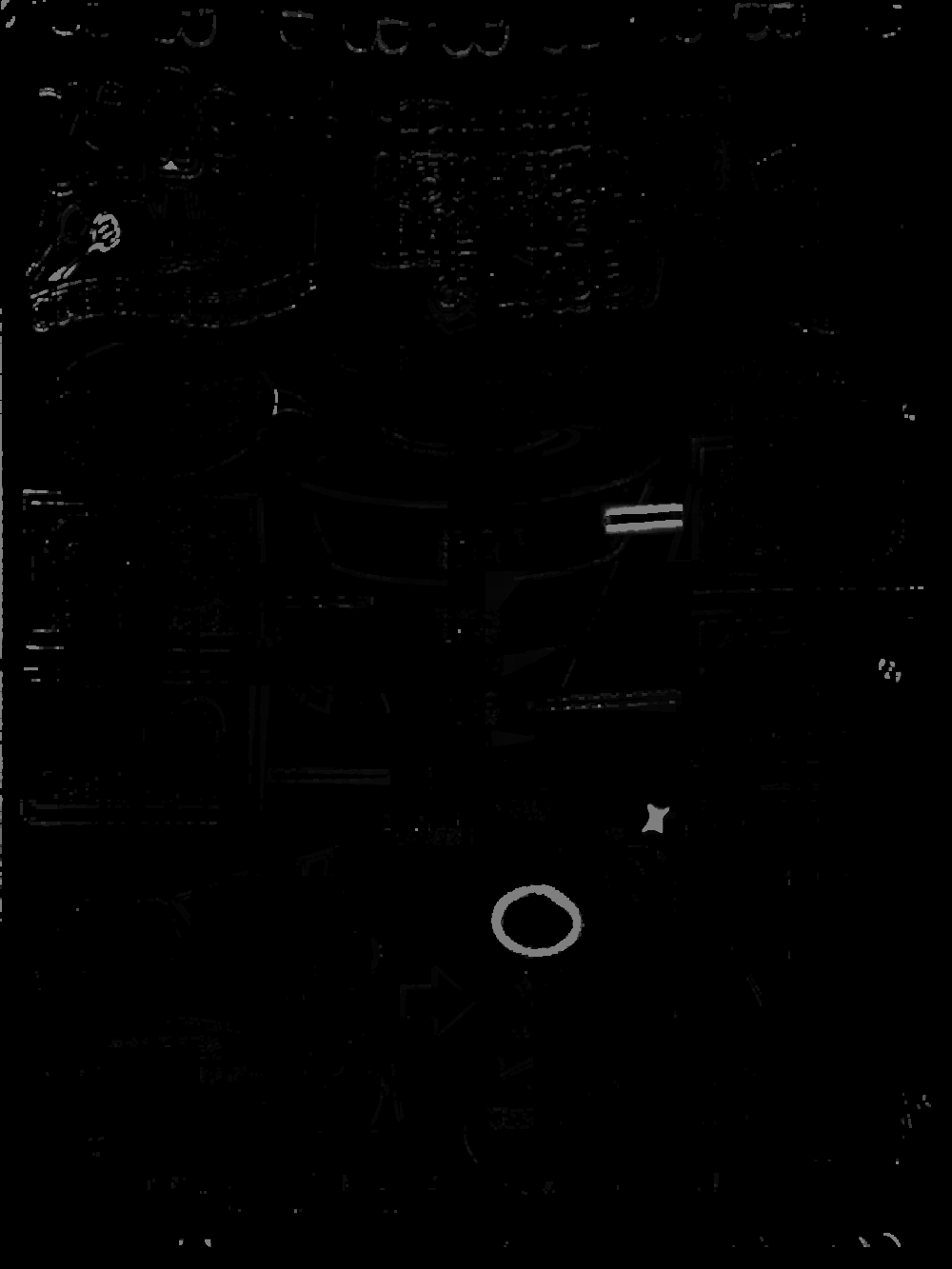
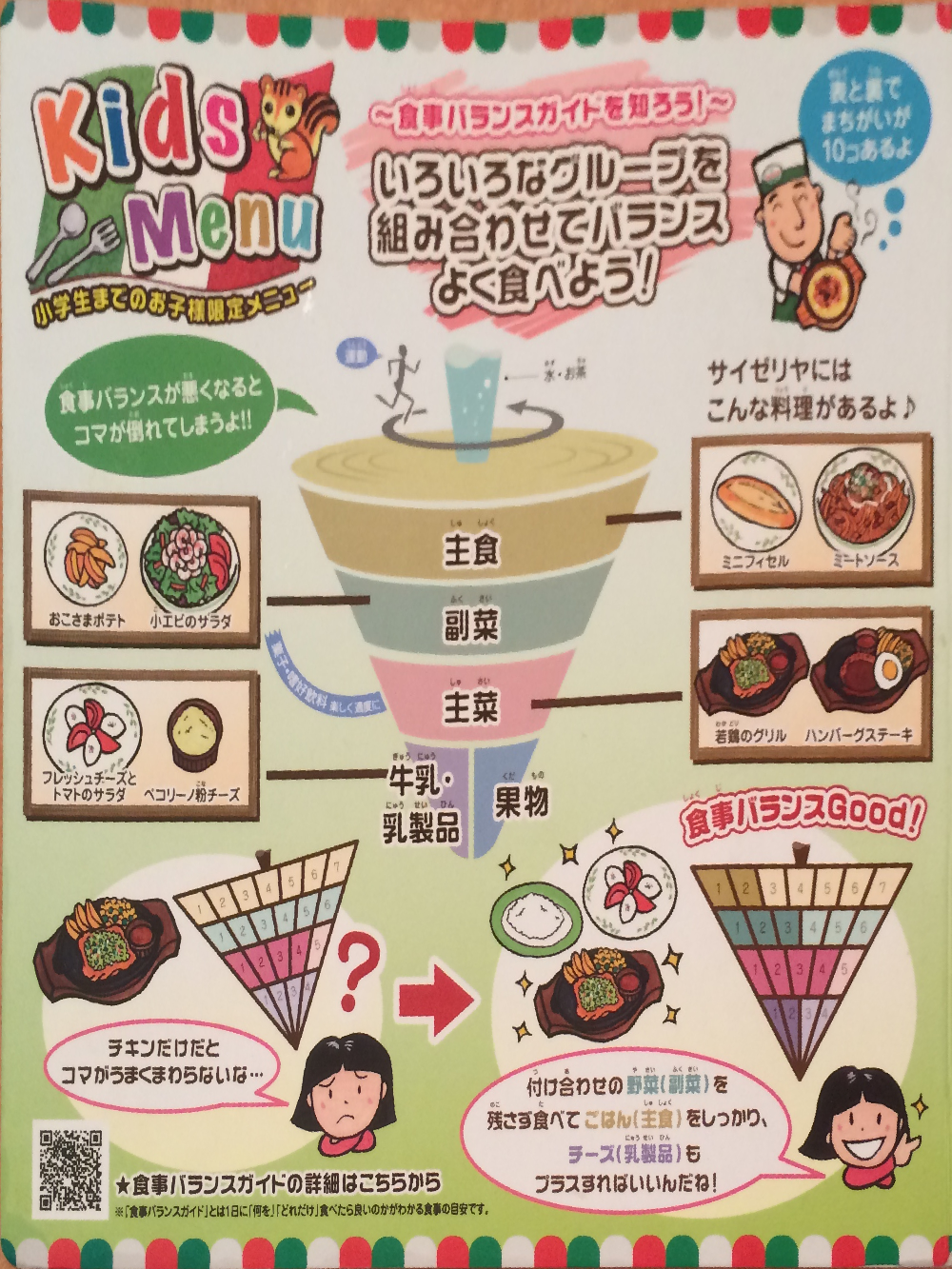
(left) the difference image (right) the original page
Large differences appear exactly where the answers are.
(4) Extract the differences Finally, run contour extraction (findContours) over the difference image to find the "mistakes". Drawing the regions found back onto the original:
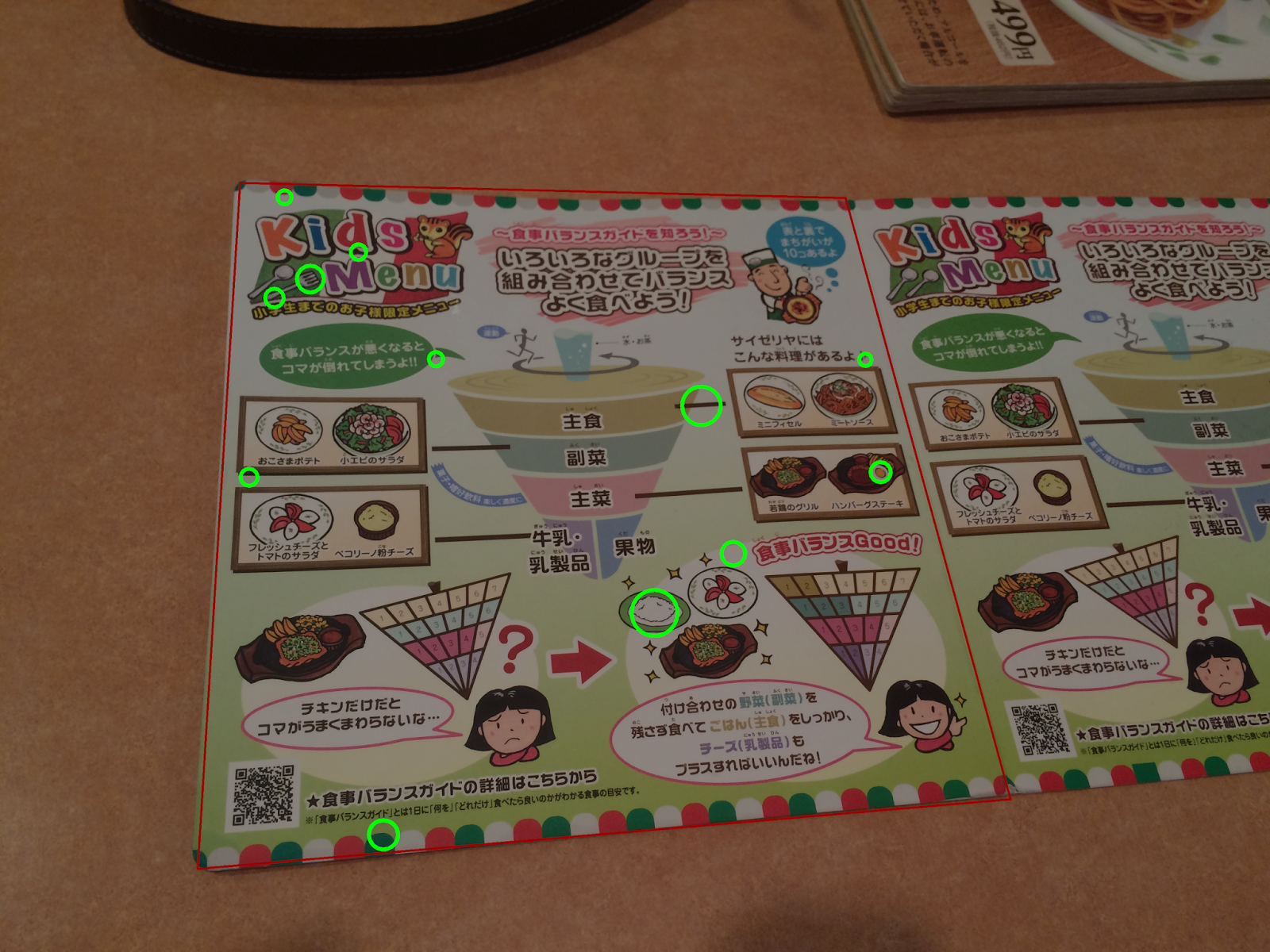
There are three false positives. And one that it failed to find — can you see which? Lowering the threshold at the binarisation step does find it, at the cost of more false positives. For this particular problem, trading precision for recall is the right call.
So: apart from tagging the page region by hand at the very start, the puzzle gets solved entirely automatically.
Finally
· There are plenty of ways to automate that first manual template step — look for the largest region containing two similar images side by side, say, or find the table and exclude it. It seemed likely to make the whole thing less general, so I left it.
· Saizeriya's site has image data for past puzzles. Being originals, the differences come out very accurately. It also has the answers on it, mind.
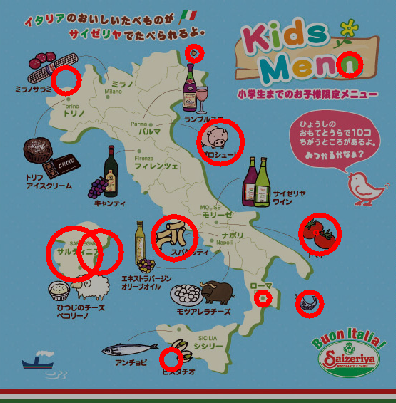
With no distortion, the differences are easy to find.
· There are all sorts of ways to present this — an iPhone app, or projecting the answers straight onto the menu. I'll make one when I have time.
· If you can use OpenCV you can solve most of the world's problems.